
Understanding Sales Tax Calculators: A Guide
A guide on how sales tax calculators work, when to use ZIP or address lookups, and how to estimate tax on a purchase accurately.
7 min read1,492 wordsZip Cost Ledger editorial
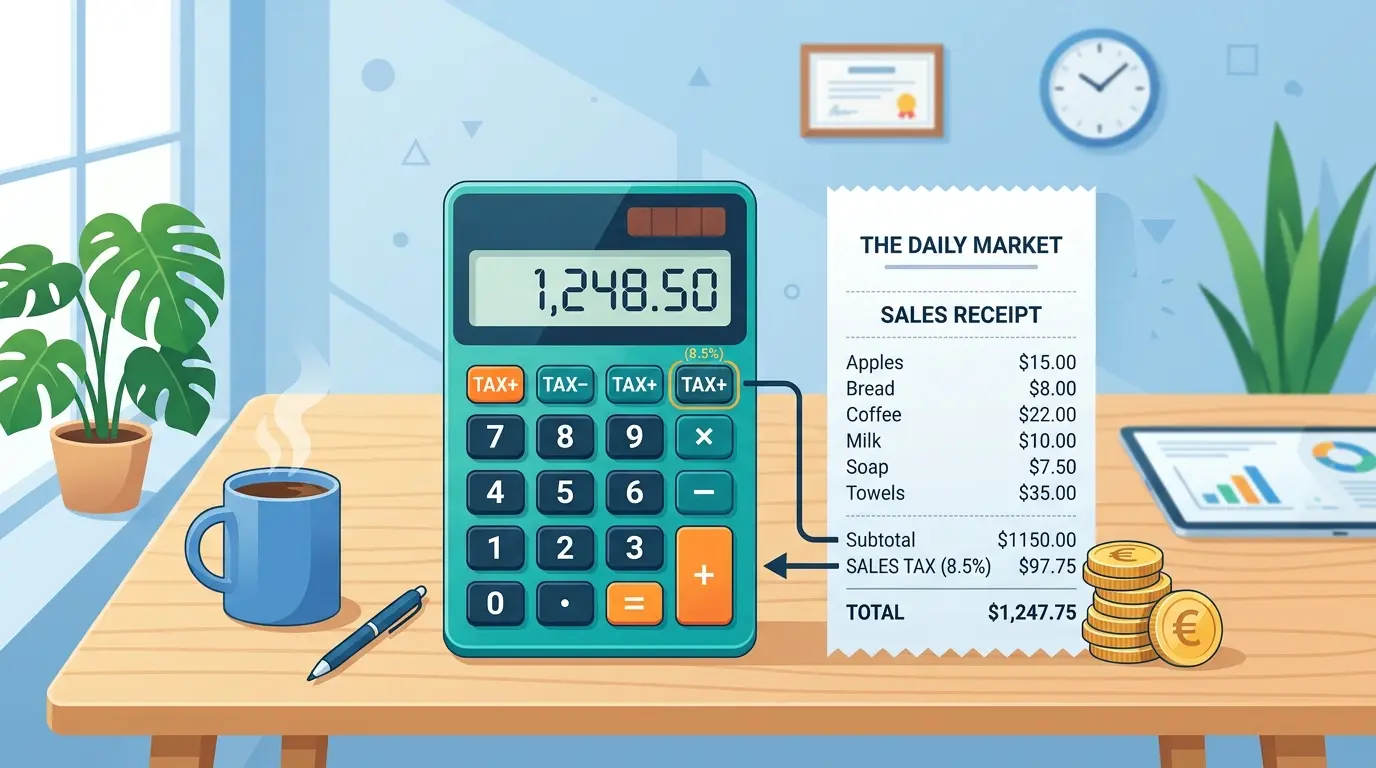
A sales tax calculator helps shoppers, business owners, and bookkeepers estimate the tax added to a purchase before checkout or invoicing. Because sales tax can change by state, county, city, district, and sometimes product type, a good calculator saves time and reduces guesswork. This guide explains how these tools work, when to use a sales tax lookup, and what details you need to get the most accurate result.
What does a sales tax calculator actually do?
A sales tax calculator applies the correct tax percentage to a taxable purchase amount, then shows the tax due and the total price. At its simplest, it answers practical questions like how to determine sales tax, how much is sales tax on a cart, or how to calculate tax on an item before you pay.
Most calculators ask for two things: the purchase amount and the location where the sale is taxed. Some tools use a state selection, while more precise tools calculate sales tax by zip, tax rate by zip code, sales tax by address, or tax rate by address. The more specific the location, the better the estimate, especially in places where local taxes vary across nearby communities.
A basic sales tax calc is useful for everyday shopping, but businesses usually need more precision. For example, a seller shipping to multiple states may need sales tax rates by zip code or an address-level tax rate lookup rather than a broad state estimate.
Sales tax is usually more local than people expect
Many people think sales tax is only a state-level charge, but the final rate often combines several layers. State sales tax rates may be the starting point, but counties, cities, transit districts, and special local jurisdictions can add their own portions.
That is why two buyers in the same state may pay different tax on the same item. It is also why searches such as sales tax calculator nc, wa state sales tax calculator, oc sales tax rate, and how much is ca sales tax are common. People are usually not just asking about the state; they are trying to understand the combined rate that applies in a specific location.
For practical purposes, the key question is not only "What state am I in?" but "Where is the sale sourced?" In many retail situations, that means the store location. In shipping or online sales, it may mean the delivery address, depending on applicable rules.
How do you figure out the tax on an item?
To figure out tax on an item, multiply the taxable price by the sales tax rate, then add that tax amount to the original price. This is the core method behind every sales tax calculator, whether you are using a simple percentage tool or a sales tax calculator by zip code.
Use this simple process:
- Start with the taxable item price.
- Convert the tax rate from a percentage to a decimal.
- Multiply the price by that decimal.
- Add the tax amount to the price for the final total.
For example, if an item costs $100 and the combined tax rate is 7.5%, the tax is $7.50 and the total is $107.50. This is how to compute sales tax manually, and it is also how to work out sales tax when you do not have a calculator nearby.
If you are wondering how to add tax percentage in a spreadsheet or point-of-sale estimate, use the same idea: price multiplied by tax rate equals tax. Price plus tax equals total.
Details that affect the final tax amount
Sales tax sounds simple until you look at the details. A reliable sales tax calculator needs more than a dollar amount if you want a result you can trust.
Important inputs may include:
- Exact location: Sales tax by zip code can be helpful, but a full address may be better when district boundaries do not match ZIP lines.
- Product category: Some items may be taxed differently, exempt, or partially exempt depending on local rules.
- Sale type: In-store, pickup, delivery, and online sales may be treated differently.
- Local add-ons: A local sales tax rate can make the total higher than the base state rate.
- Rounding rules: Small differences can appear when calculating tax per item versus on the full order.
This is why "how to find tax on an item" can have two answers. The manual math is simple, but finding the right rate is the part that often requires a sales tax lookup.
When should you use ZIP code, address, or state lookup?
Use state-level lookup for a rough estimate, sales tax by zip for a better local estimate, and address-level lookup when accuracy matters most. A tax rate by address is usually the best choice for businesses, invoices, delivery orders, and any situation where local boundaries can affect the rate.
A ZIP code can cover more than one tax jurisdiction, so find sales tax by zip code tools are convenient but not always final. If a tool offers both sales tax by zip code and sales tax by address, choose the address option for important transactions.
Here is a quick way to decide:
- Use state sales tax rates when you only need a broad planning estimate.
- Use tax rate by zip code when comparing general costs between areas.
- Use sales tax rates by zip code when checking multiple locations quickly.
- Use tax rate by address when preparing invoices, collecting tax, or quoting customers.
- Use sales tax lookup tools when you need to verify a rate before completing a sale.
People also search for zip codes with the lowest sales tax when comparing shopping locations, moving costs, or business sites. That can be local estimates, but it should be checked carefully because a low ZIP-level estimate may not reflect every address inside that area.
Common situations where a calculator helps
A sales tax calculator is not only for accountants. It helps anyone who needs to understand the real cost of a purchase before money changes hands.
Common uses include:
- Retail purchases: Shoppers can estimate the checkout total before buying.
- Online orders: Buyers can compare totals across delivery locations.
- Small business invoices: Sellers can calculate tax on a purchase before sending a bill.
- Budgeting: Households can plan for large purchases like furniture, appliances, or electronics.
- Marketplaces and events: Vendors can estimate collected tax when selling in different locations.
- Regional comparisons: Businesses can compare local sales tax rate differences between nearby cities or counties.
The benefit is clarity. Instead of guessing how to calculate tax on a purchase, you can enter the sale amount and location, then review the estimated tax and total.
Simple tips for more accurate results
The best calculator still depends on the information you provide. To reduce errors, use the most specific location available and confirm that the item is taxable in that place.
Keep these tips in mind:
- Enter the full street address when available.
- Do not rely only on a ZIP code for high-value or business transactions.
- Check whether shipping, handling, or service fees are taxable.
- Separate taxable and non-taxable items if the order includes both.
- Recheck rates periodically, especially if you sell in multiple jurisdictions.
- Use official or trusted sources when a rate affects compliance.
If you are asking how to find sales tax for a casual purchase, a quick calculator is usually enough. If you are collecting tax from customers, accuracy matters more, so choose a tool designed for current location-based rates.
The takeaway
Sales tax calculators make a confusing local tax system easier to understand. They show how to figure out sales tax, estimate the total cost of an item, and compare rates across states, ZIP codes, and addresses.
For the best result, remember that the math is only half the task. Knowing how to calculate tax on an item is useful, but choosing the right rate matters just as much. When in doubt, use a calculator that supports ZIP or address-level lookup so your estimate reflects the place where the sale actually happens.
Common questions
Why do two sales tax calculators give different answers for one address?
Because the rate depends on the exact taxing jurisdictions an address falls inside, not on its ZIP code. A calculator that works from a ZIP code alone has to pick one rate for an area that may contain several, so it will disagree with one that resolves the full address.
Is a sales tax calculator enough for filing a return?
For an estimate, usually. For a filing, no. Returns are filed against the jurisdictions you actually collected for, and the authoritative rate is the one the state publishes for that jurisdiction and period.
Does the rate depend on where the buyer is or where the seller is?
For most remote sales it follows the destination, so the buyer's location governs. Rules differ by state and by what is being sold, which is why the same order can be taxed differently depending on where it ships.
Related guides
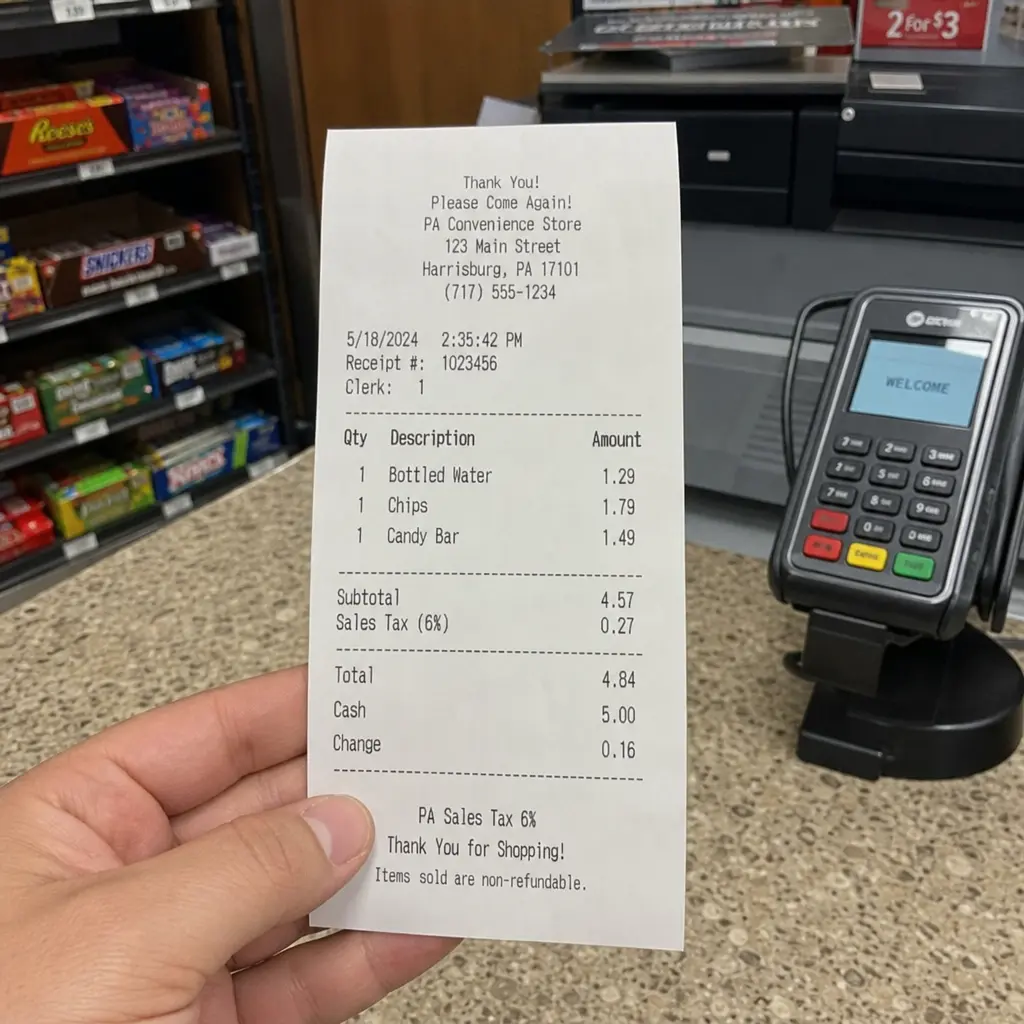
Understanding PA Sales Tax: Rates & Compliance
Understand the complexities of PA sales tax, local rates in Philadelphia and Allegheny County, and how it compares with other states like Michigan and Indiana. Learn compliance tips to ensure proper collection and avoid errors.
· 9 min read
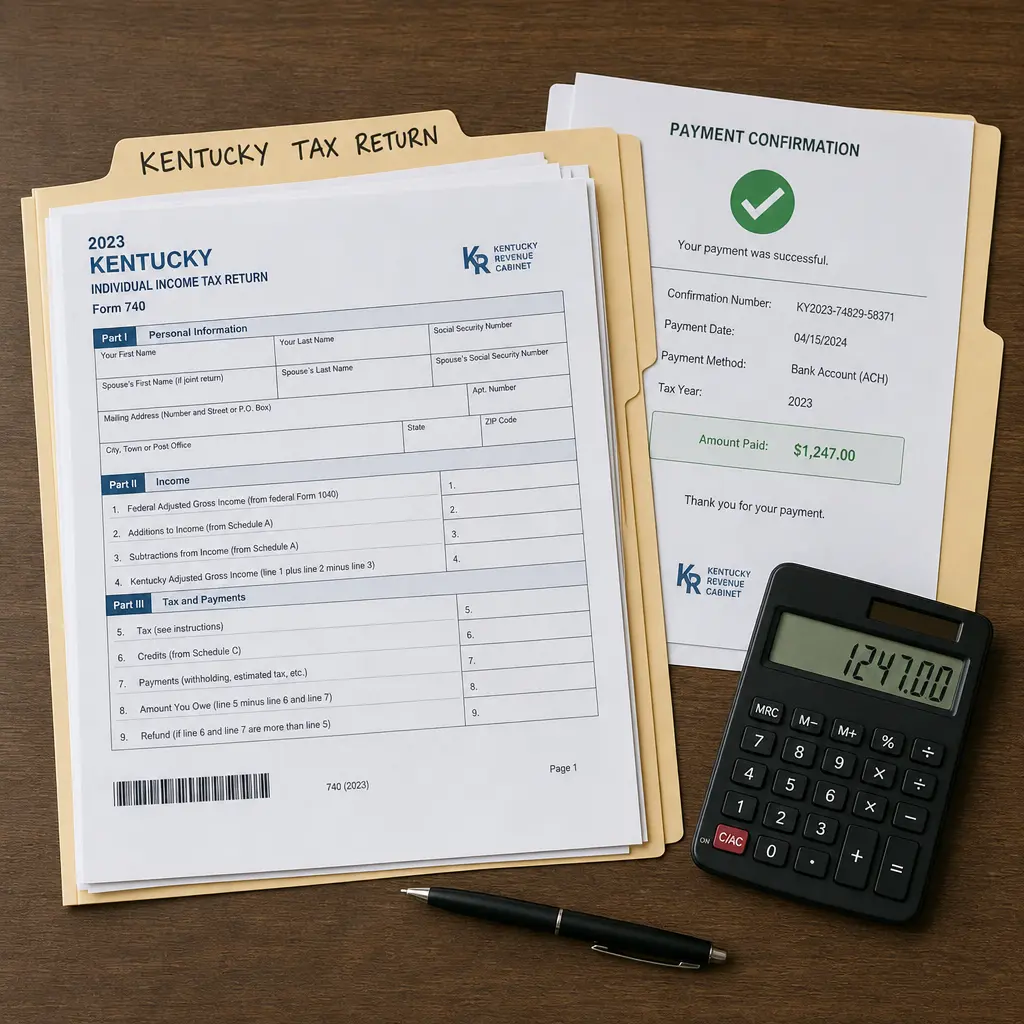
Master Kentucky Estimated Tax Payments: Avoid Penalties
Kentucky estimated tax payments help taxpayers pay Kentucky income tax during the year when enough tax is not being withheld from wages, retirement income, or other payments.
· 8 min read
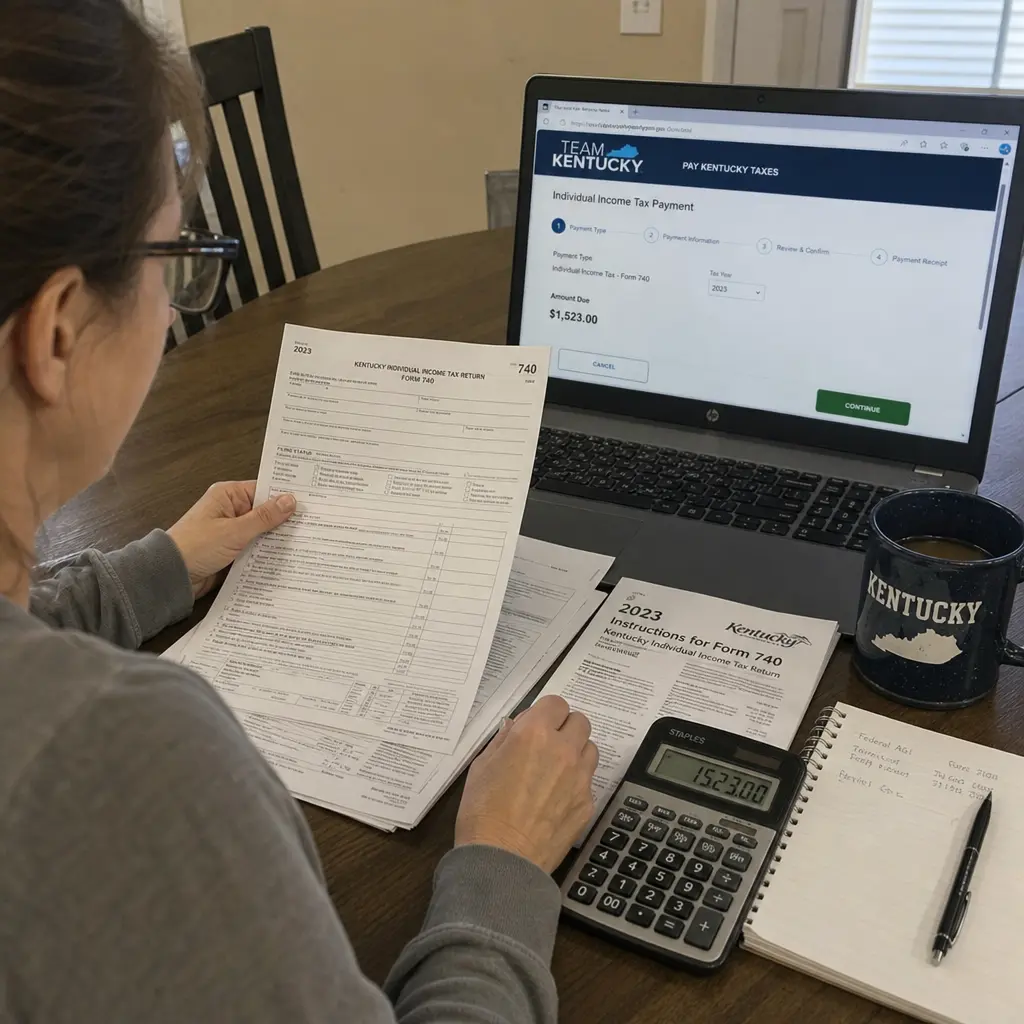
Kentucky State Tax Payment Guide: Avoid Delays & Errors
Paying Kentucky taxes is usually a matter of knowing which tax year you are handling, whether you are paying with a return, making an estimated payment, or responding to a bill, and choosing the right Kentucky Department of Revenue payment option.
· 9 min read